










MAPS Trader

MAPS Trader is the ultimate program for the active trader or investor (or both!). We covered it all: daily kick-starters, weekly research reports, live sessions thoughout the week… MAPS features education , trade ideas, hot stock watchlists and so much more.

The content below is organized based on the best way to start consuming it and prepare for the method, the meetings, and most importantly, THE MARKET.
 

LET’S GET STARTED!

Live Events - Coming Up Next

Upcoming Events Calendar

Our Portfolios & Charts

Active OPPS

Todd reveals his positions in an actual portfolio from one of his managed accounts. You won't see anyone else doing this type of transparency!
Chart Room

The CHART ROOM is Todd's global view of the financial arena. Updated monthly, this one chart paints the picture of big trends on the horizon.
Options Desk

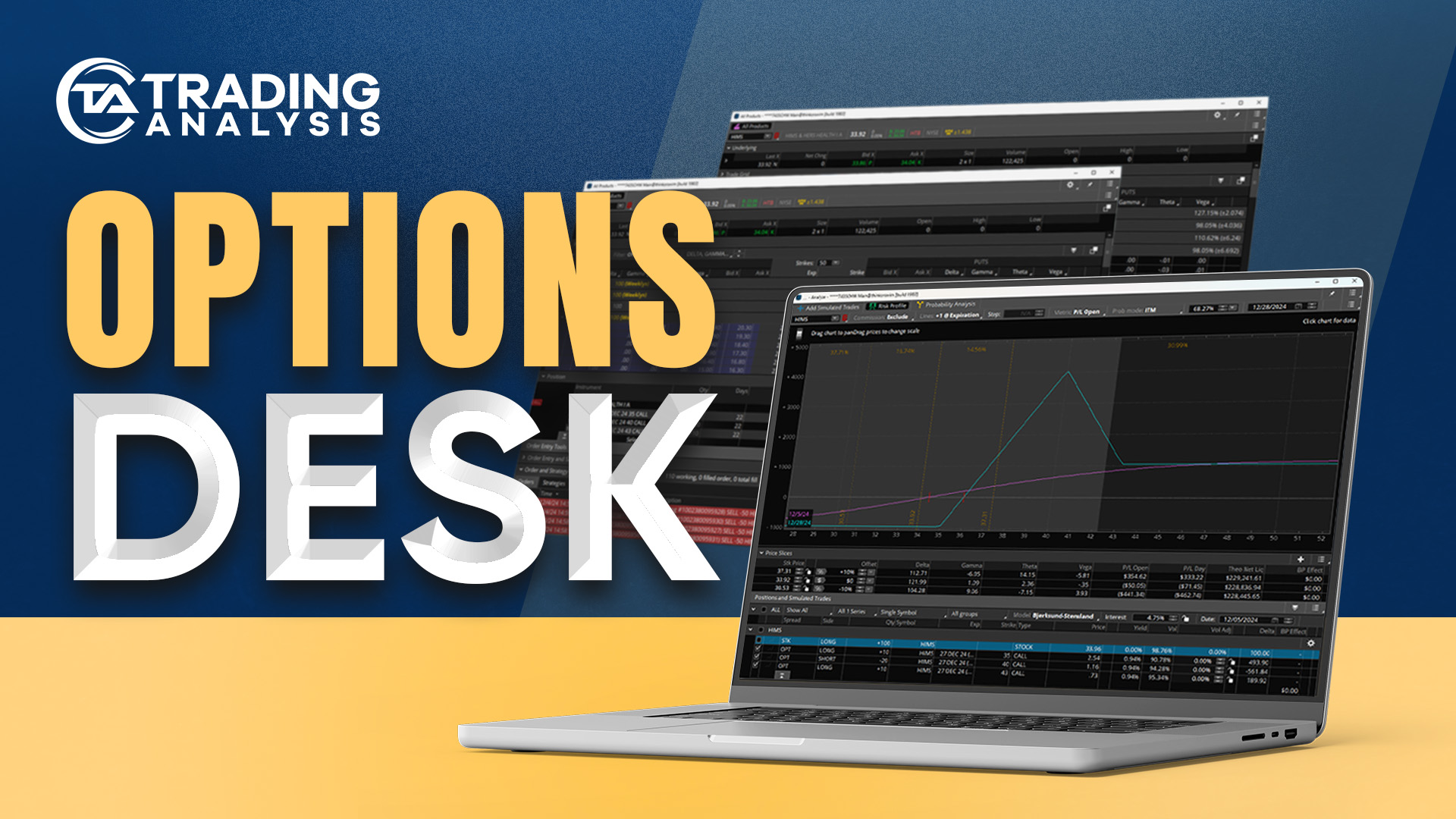
The Options Desk is where you will find a complete record of past and current options trades from Todd and our research team.

Community Features

Chart Requests Live

Friday's at Trading Analysis are where it's at for MAPSTraders. Be sure to send in your requests and Todd will review them LIVE.

Discord

Join our Discord channels to participate in direct market discussions with other students, Todd, and the analyst team!

MotiveWave Repository

Get instant access to our trading analysis charts inside your MotiveWave workspace, updated in real-time.

Tactical Thursday

Tactical Thursday is a live training session where Todd releases new trading ideas, portfolio updates, and takes your questions.

Macro MASH

Todd & his analysts share a total TOP DOWN view of the global market opportunities the first Monday of every month.

Flash's First Word

Flash's First Word

Todd "Flash Crash" Gordon's daily market update is your ultimate "backstage pass" to his trading ideas for the day.

SIS Report

The "SIS" Report walks you through the sectors, industries and stocks on their hot list - this one is for BULLS & BEARS!

STOCK Watchlist

The Stock Watchlist includes the top stocks on Todd's personal list of trading opportunities. They're ranked, updated & actionable!

What's Next? Check out your "TO DO" list here:

Cell Phone Number Check:

To ensure we have your correct number in our system we are currently displaying your Number. If this number is incorrect Please change it Below.


Your Current Phone Number on File:

[memb_contact fields=Phone1]


NOTE: If you are outside of the United States, use this phone number format: +(country code)555555555


Examples:


Taiwan: +88655555555


Netherlands: +31555555555


France: +3355555555

Hey Trader, Thank you for signing up. You can sign up to our discord here.
Just make sure to follow all the steps to get in!


TA Membership Discord Group.
Click Here to Access Discord Group

Blockchain Membership Discord Group.
Click Here to Access Discord Group

Hey Trader, I just wanted to make sure you’re ready to go with everything.

With that being said I want you to feel free to ask me anything just email our support desk at

Info@tradinganalysis.com

Thank you for following this Tutorial, we want to make sure you have the best experience here at Trading Analysis.

To download the TA mobile app, search for “Trading Analysis” inside the App Store on your Apple or Android device.

Please note that the login details for your mobile app are slightly different to the ones for the TA online members area. Please refer to your welcome email for a separate set of login details for the app, or reach out to TA support at info@tradinganalysis.com

Additional Information About our iOS/Android Mobile App:

* if the credentials from your welcome email don’t work, just click the “Reset” button and you will be able to set your own password.

* If no account is found under your email, please email info@tradinganalysis.com and we’ll assist you right away.

* Make sure push notifications are turned ON

Click through notifications History and make sure notifications are turned ON with a green switch.

Follow these steps to ensure push notifications are turned on for your device:

Android users: Click here for Android device push notifications settings

iOS users: Click here for Apple’s device push notification settings